
Devices · Android Enterprise Silver Partner
Android zero-touch enrollment.
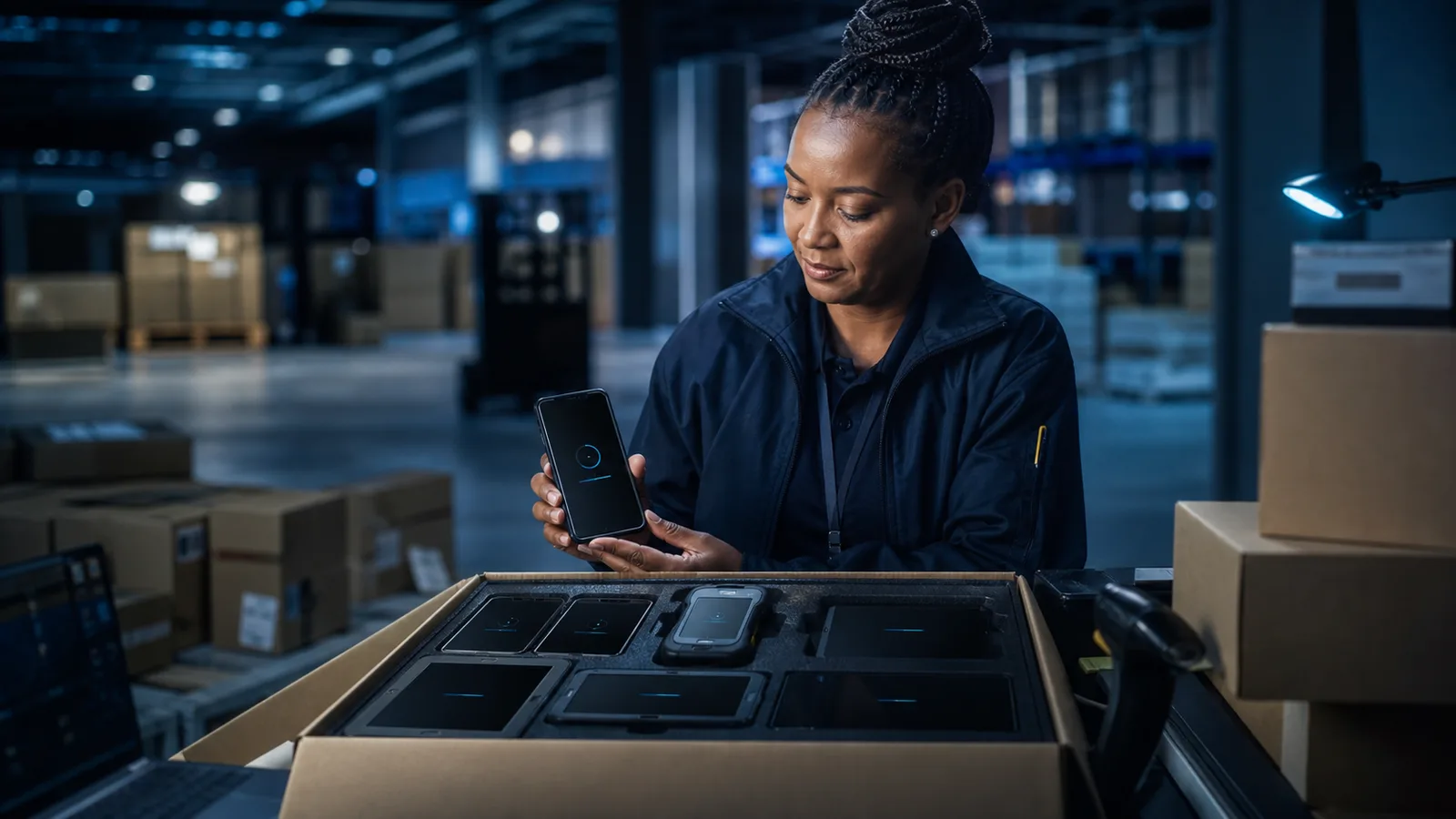
Ship eligible Android phones, tablets and rugged devices directly to your teams. Axon registers each device through the zero-touch portal before dispatch; at first boot it provisions through your compatible management platform and applies the approved apps, security and restrictions.
Validated partner status
Axon Wireless is an Android Enterprise Silver Partner and an authorized Android zero-touch enrollment reseller.
What Android zero-touch enrollment does
Android zero-touch enrollment is Google's method for provisioning company-owned Android devices automatically. An authorized reseller registers eligible devices through the zero-touch portal at the point of purchase. When a device is first switched on and connects to the internet, it launches the compatible management flow, applies the approved configuration and enforces the required policies.
Axon brings the same deployment discipline used for national identity and SIM registration programmes to Android device rollouts. We connect the eligible device, your organisation and your compatible EMM before dispatch, then deliver across South Africa and fourteen other verified markets.
How it works
Five steps from order to a working, managed device in the field.
You order devices from Axon
Tell us the models, quantities and destinations.
We register them in the portal
Every required device identifier is registered through the zero-touch portal before dispatch.
You configure once
Map your devices to your EMM configuration — apps, Wi-Fi, security policy, restrictions. Set a default and every future device inherits it.
We ship direct
To your sites, your branches, your field agents' addresses. No central staging.
The user powers on
The device provisions itself and is working within minutes.
What the user sees at first boot
The employee does not need a staging guide or a technician beside them. Once the new device connects to the internet, Android identifies the organisation, launches the approved management flow and applies the policy defined in the compatible EMM.
First boot · 01
Device recognised
This device belongs to your organisation and is ready to be configured.
Managed setup · 02
Preparing for work
Your management platform is applying the approved configuration.
Ready · 03
Ready for work
Apps, Wi-Fi and policy are active. The user can start immediately.
Illustrative first-boot journey · exact screens vary by EMM and Android version
One provisioning path. Different Android device types.
Zero-touch is not limited to office smartphones. We confirm eligibility at model level, then register supported tablets, rugged handhelds and dedicated Android devices against the right EMM configuration.
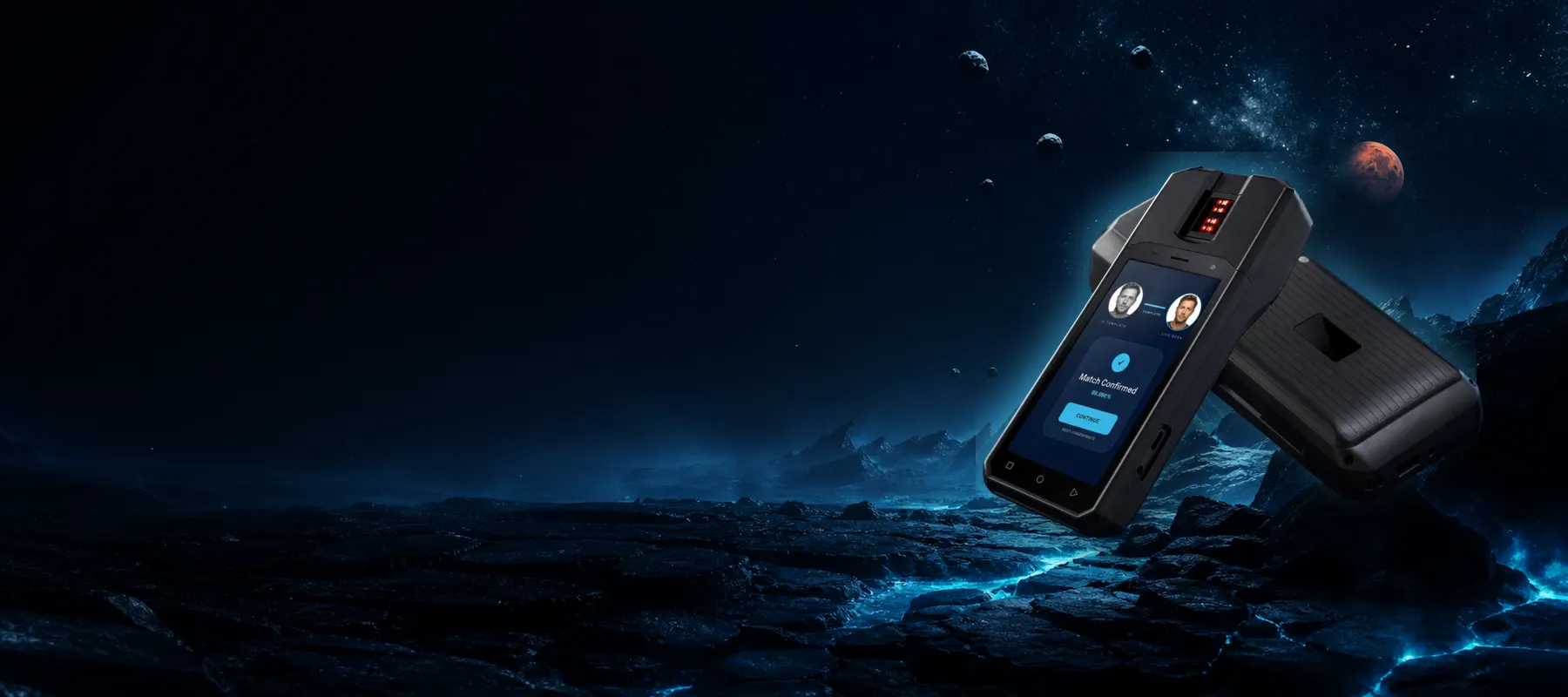
Smartphones
Ship eligible corporate Android phones directly to each employee. The compatible management platform applies the approved policy during first-boot setup.
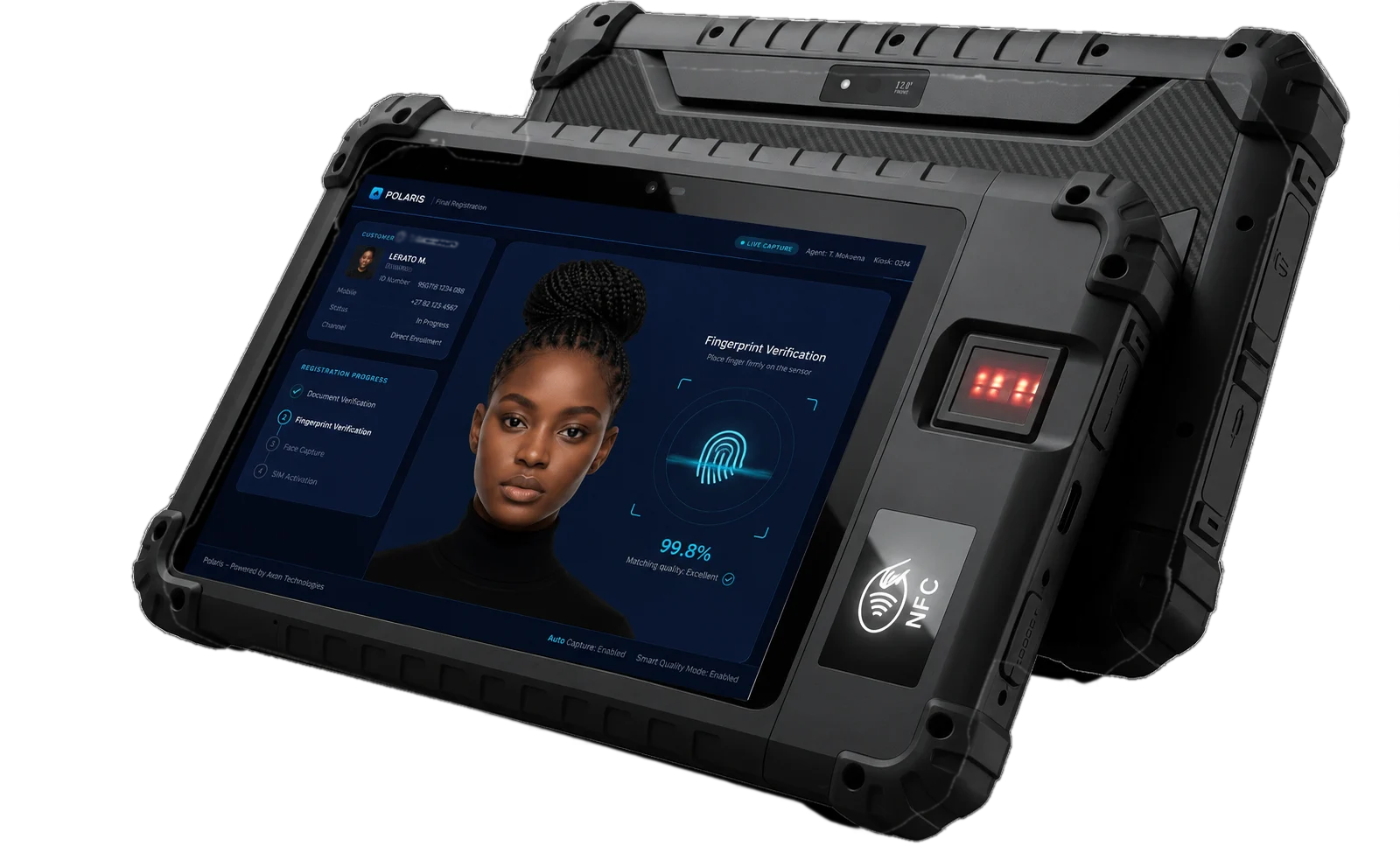
Tablets
Provision tablets with the right applications, Wi-Fi, certificates and restrictions for each team—without opening and staging every box centrally.
Rugged, kiosk and POS
Apply dedicated-device or kiosk configurations to scanners, handheld terminals and fixed-purpose devices, then send replacements directly to the operating site.
Why it matters
Zero-touch changes who does the work, and when the security posture starts.
For IT
No imaging, no manual builds, no configuration drift between devices. Replacements ship straight to the user. An assigned device checks the portal again after a factory reset.
For the business
Faster time to productivity, materially lower deployment cost per device, and security applied from first boot rather than whenever someone gets around to it. Devices stay under your control for their whole life, including after resale-grade wipes.
For distributed operations
This is the difference between flying a technician to a regional office and couriering a box.
Who we build this for
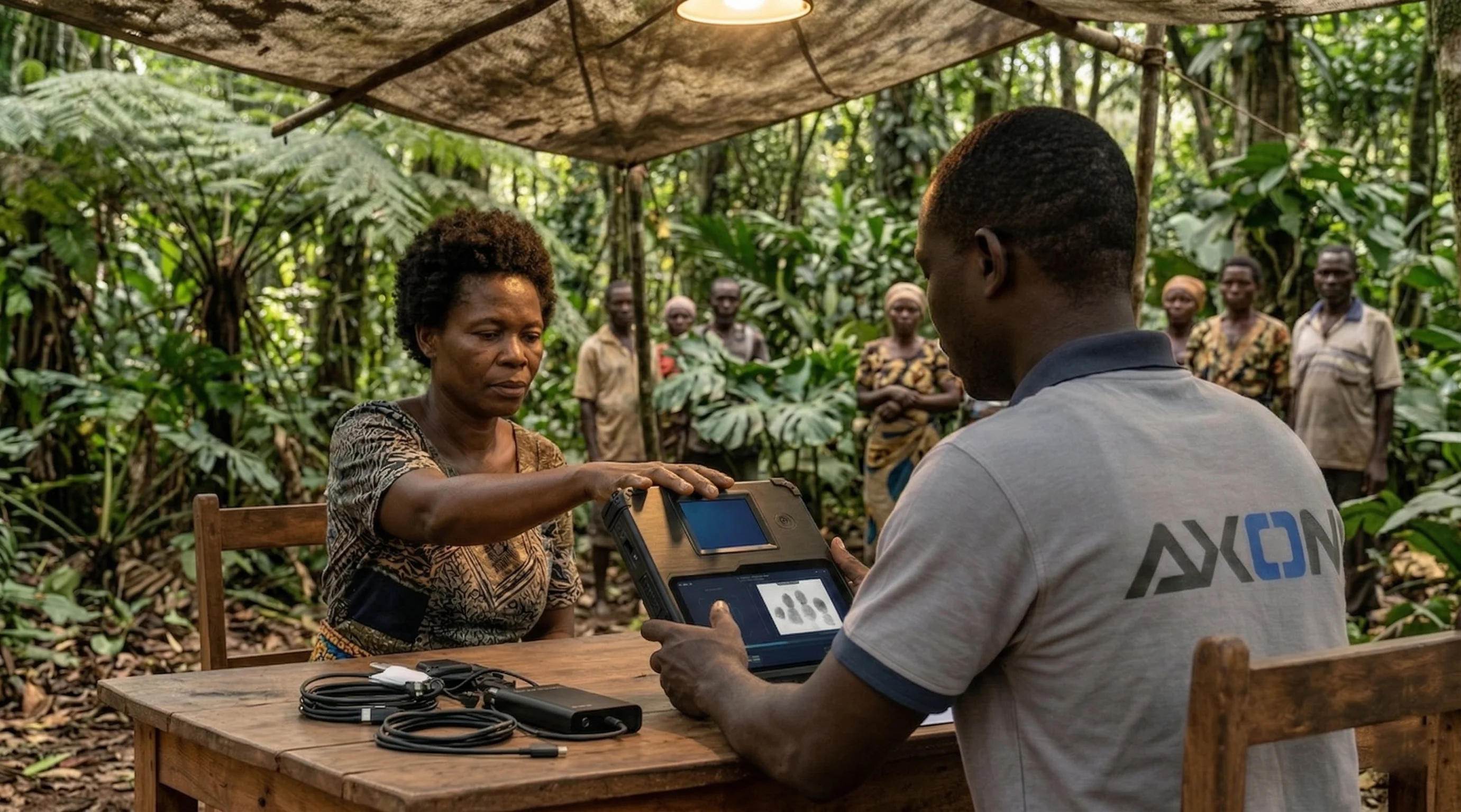
Axon's programmes deploy biometric enrollment and registration devices across national identity, elections, census, SIM registration and financial-services rollouts — often thousands of devices to remote or low-connectivity sites in a single campaign. Android zero-touch enrollment removes the manual provisioning bottleneck where compatible devices and management platforms are used: devices ship pre-registered, field teams unbox and go, and IT retains policy control without visiting every site.
Compatibility checked before you order
Broad zero-touch support starts with Android 9.0, with selected Android 8.0 devices also compatible and Google Pixel supported from Android 7.0. Eligible devices must include Google Mobile Services and your EMM must provide a supported device policy controller.
Model eligibility and identifier requirements can vary, especially for tablets and rugged hardware. Axon validates the exact model and intended enrollment route before supply.
| Enrollment route | Best for | Physical setup | Device coverage |
|---|---|---|---|
| Android zero-touch | New, distributed fleets | None after reseller registration | Supported Android manufacturers |
| QR enrollment | Existing or smaller fleets | Scan each device after reset | Broad compatible Android fleet |
| NFC enrollment | Technician-led staging | Tap each compatible device | NFC-capable Android devices |
| Samsung KME | Samsung-only estates | None after reseller assignment | Supported Samsung Galaxy devices |
Choose the correct deployment route
Android zero-touch enrollment and Axon SolarMDM
SolarMDM is Axon's project-based device-management platform for controlled deployments such as elections, census operations and large-scale enrollment programmes. It is separate from the Android zero-touch enrollment reseller service.
Where a programme uses a zero-touch-compatible EMM, Axon's reseller service handles automatic out-of-box provisioning. Where a programme runs on SolarMDM, devices are enrolled and locked down through Axon's own project onboarding process. Our team will recommend the right path for the programme.
Where we deliver
Google has verified Axon's reseller footprint across fifteen markets.
Your devices arrive already yours.
Talk to us about Android zero-touch enrollment for your next rollout — whether that is a fleet of eligible Axon COMET devices or another Android Enterprise-compatible device. We will confirm model eligibility and the correct management route before supply.